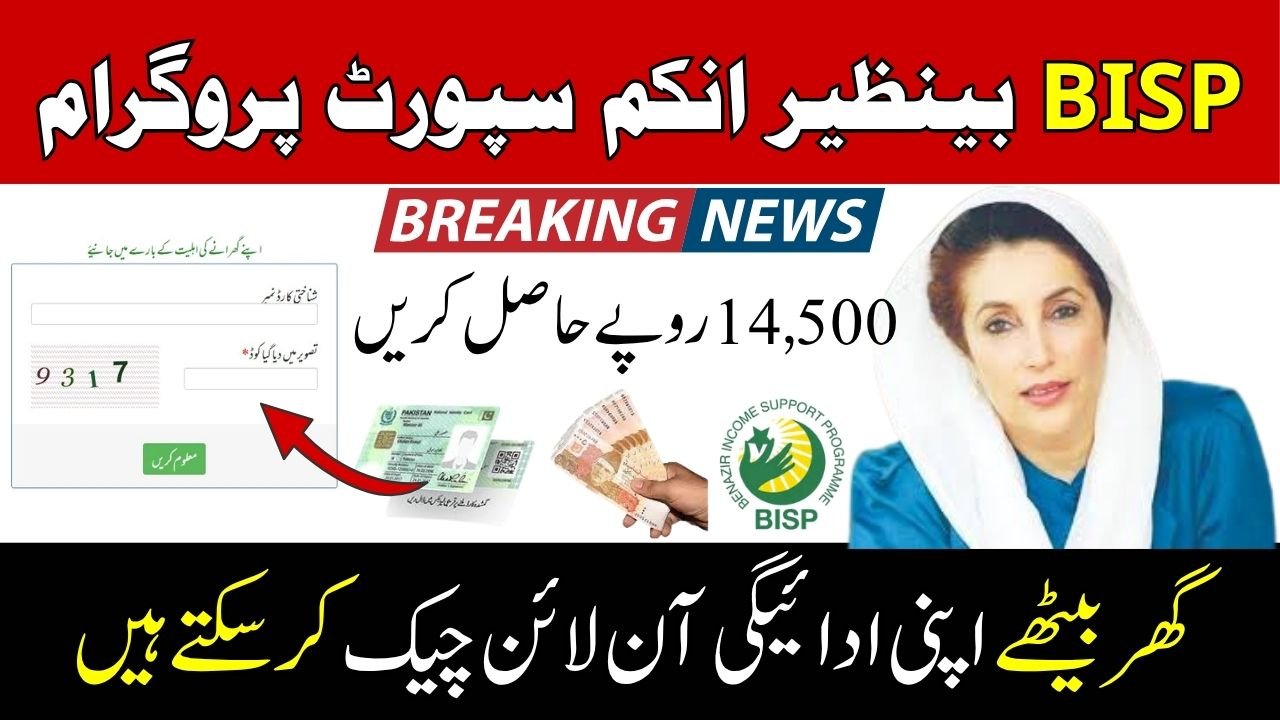
How to Check BISP Balance Online
Millions of families across Pakistan depend on BISP payments to support their daily household expenses. Yet many beneficiaries still struggle to find accurate information about their payment status and available balance.
The good news is that checking your BISP balance online by CNIC has become easier than ever. Whether you want to confirm a new payment, verify your eligibility, or track an upcoming installment, the official BISP system provides multiple ways to access your information within minutes.
This complete guide explains every method, common issues, eligibility requirements, and expert tips to help you check your BISP balance quickly and safely.
Understanding the BISP Balance Inquiry System
The Benazir Income Support Programme (BISP) is Pakistan’s largest social welfare initiative designed to provide financial assistance to deserving families.
To improve transparency and reduce fraud, the government introduced digital verification systems that allow beneficiaries to check:
- Payment status
- Available balance
- Eligibility details
- Registration information
- Installment updates
All of these services are linked to your CNIC number, making verification simple and secure.
Why Your CNIC Is Required for Balance Checking
Your Computerized National Identity Card (CNIC) acts as a unique identifier within the BISP database.
When you enter your CNIC number, the system retrieves information related to:
- Registration status
- Family eligibility
- Payment history
- Current installment details
This prevents unauthorized access and ensures payments reach the correct beneficiary.
offichal website ; https://bisp.gov.pk/
Who Can Check BISP Balance Online?
You can use the online inquiry system if you are:
- A registered BISP beneficiary
- An applicant awaiting approval
- A person checking payment eligibility
- A recipient of Benazir Kafalat payments
Step-by-Step Method to Check BISP Balance Online by CNIC
The easiest way to verify your balance is through the official 8171 portal.
Step 1: Visit the Official 8171 Web Portal
Open the official BISP 8171 portal using your mobile phone, tablet, or computer.
Always use official government channels to avoid scams and fake websites.
Step 2: Enter Your CNIC Number
Type your 13-digit CNIC number without spaces or dashes.
Double-check the digits before proceeding.
Step 3: Complete the Verification Code
You will see a captcha code displayed on the screen.
Enter the code exactly as shown.
This step protects the system from automated misuse.
Step 4: Submit Your Request
Click the submit button.
Within a few seconds, the portal will display your status.
Step 5: Review Your Payment Information
The system may show:
- Current balance
- Payment release status
- Eligibility confirmation
- Registration status
- Next installment information
Alternative Methods to Check BISP Balance
Not everyone has reliable internet access. Fortunately, BISP offers multiple balance inquiry options.
Check BISP Balance Through SMS
This is one of the most popular methods in rural areas.
Steps:
- Open your phone’s messaging app.
- Type your CNIC number.
- Send it to 8171.
- Wait for a response message.
The system will provide information about your eligibility and payment status.
Check Balance Through BISP Campsites
Many beneficiaries prefer in-person verification.
Visit:
- BISP payment centers
- Designated campsites
- Tehsil BISP offices
Bring your original CNIC for verification.
Check Through BISP Helpline
If the portal is unavailable or you face technical issues, contact the official BISP helpline.
A representative can verify your information after identity confirmation.
Common Payment Status Messages and Their Meanings
Many beneficiaries become confused when they receive different status messages.
Understanding them can save time and unnecessary visits to payment centers.
Eligible for Payment
This means:
- Your registration is active.
- Funds have been approved.
- Payment can be collected according to the announced schedule.
Under Verification
Your household data is being reviewed.
This may happen due to:
- New survey submissions
- Updated family records
- NADRA verification checks
Payment in Process
The payment has been approved but has not yet reached the disbursement stage.
Most beneficiaries receive payments shortly after this status appears.
Not Eligible
This indicates that the current data does not meet BISP eligibility requirements.
You may need to update your information through a BISP office.
Common Problems When Checking BISP Balance Online
Even though the process is straightforward, users occasionally encounter issues.
CNIC Not Found in System
Possible reasons include:
- Incorrect CNIC entry
- Registration not completed
- Database update delays
Always verify your CNIC before resubmitting.
Website Not Opening
Heavy traffic during payment release periods can overload the portal.
Try:
- Refreshing the page
- Using a different browser
- Checking during non-peak hours
Verification Code Error
If the captcha code fails:
- Refresh the page
- Enter the new code carefully
- Ensure there are no typing mistakes
How to Stay Safe While Checking BISP Payments
Fraud related to welfare payments remains a concern.
Use Only Official Sources
Never enter your CNIC on unofficial websites claiming to offer faster balance checks.
Official verification should only occur through authorized BISP channels.
Avoid Sharing Personal Information
No legitimate BISP representative will ask for:
- ATM PINs
- Mobile wallet passwords
- Banking credentials
Beware of Fake SMS Messages
Scammers often send messages pretending to be government representatives.
Verify all payment notifications through official channels before taking action.
Expert Tips for Faster BISP Balance Verification
After analyzing common beneficiary experiences, several best practices stand out.
Keep Your CNIC Updated
Expired or outdated identity records can delay payment verification.
Regular updates through NADRA help prevent issues.
Save the Official Inquiry Number
Store 8171 in your phone contacts to quickly identify authentic messages.
Check Payment Status Before Visiting Centers
Many people travel long distances only to discover their payment has not yet been released.
Checking online first can save both time and transportation costs.
People Also Ask (PAA)
How can I check my BISP balance using my CNIC?
You can visit the official 8171 portal, enter your CNIC number, complete the captcha verification, and submit your request to view payment details.
Can I check BISP balance without internet?
Yes. Simply send your CNIC number via SMS to 8171 and wait for a response.
Is checking BISP balance online free?
Yes. The official BISP balance inquiry service is free of charge.
Why is my BISP payment not showing?
Possible reasons include ongoing verification, database updates, incomplete registration, or delayed payment processing.
What should I do if I am declared ineligible?
Visit your nearest BISP office and request a review of your household information and eligibility records.
How often is BISP payment information updated?
The database is updated regularly, especially during new installment releases and survey verification cycles.
Can someone else check my BISP balance?
Since the inquiry requires your CNIC, anyone with access to your CNIC may check the status. However, payment collection requires proper beneficiary verification.
Final Thoughts
Checking your BISP balance online by CNIC is now a simple process that takes only a few minutes. Whether you use the 8171 web portal, SMS service, or visit a BISP office, staying informed about your payment status helps you avoid unnecessary delays and confusion.
For the best experience, always use official BISP channels, keep your CNIC information updated, and verify your payment status before visiting collection centers. These small steps can save significant time and ensure you receive your benefits smoothly whenever a new installment is released.
Frequently Asked Questions (FAQ)
1. What is the official number for BISP balance inquiry?
The official inquiry number is 8171.
2. Can I check my BISP balance from a mobile phone?
Yes, both the 8171 portal and SMS service work on mobile devices.
3. Do I need to register before checking my balance?
Yes, your CNIC must already exist in the BISP database.
4. How long does the SMS response take?
Usually within a few minutes, depending on network conditions.
5. Is the 8171 portal available 24/7?
Generally yes, although occasional maintenance may occur.
6. What documents are needed to collect payment?
Typically, your original CNIC is required.
7. Can I check previous BISP payment history?
In some cases, the portal displays recent payment information alongside your current status.