Check BISP Payment Online
For millions of families across Pakistan, the Benazir Income Support Programme (BISP) serves as a critical economic lifeline. However, standing in long, exhausting lines at dynamic registration centers or partner bank retailers just to check if your quarterly cash grant has arrived is a hassle of the past.
As digital governance expands, tracking your family assistance fund has become significantly more streamlined. Checking your balance from home saves hours of effort and protects you from unauthorized deductions by third-party agents. This guide provides a direct, step-by-step breakdown of how to verify your BISP cash allocation online using your Computerized National Identity Card (CNIC) through official channels.
Understanding the BISP Digital Verification Ecosystem
Before jumping into the step-by-step process, it is helpful to understand how the state infrastructure processes your data. BISP tracks poverty data and disbursement metrics using the National Socio-Economic Registry (NSER). When you input your 13-digit CNIC into an official platform, the system cross-references your information with this live database to instantly verify your eligibility status and pending financial balances.
What is the 8171 Web Portal?
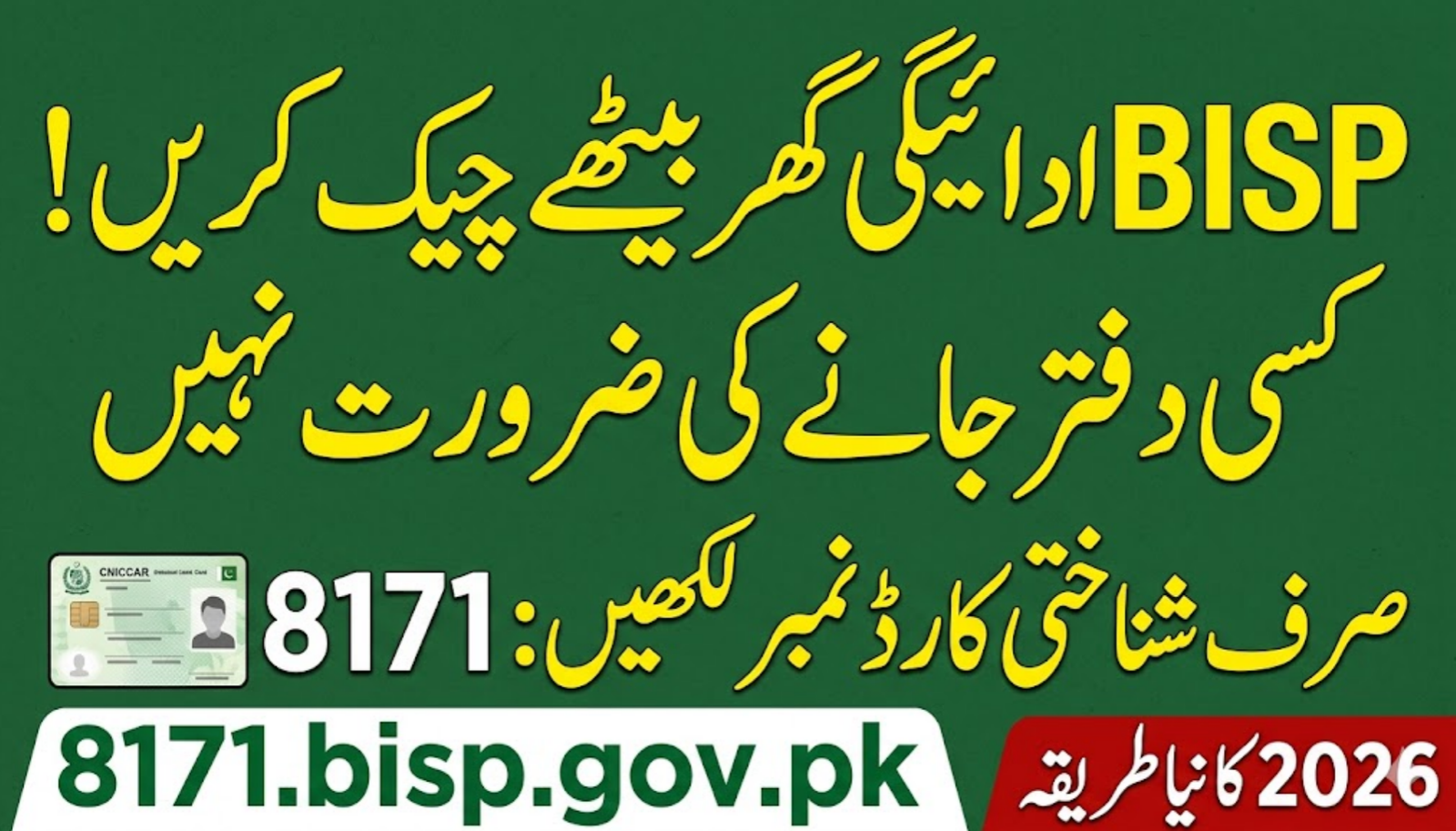
The 8171 web portal is the authorized digital gateway built specifically for public balance verification. Instead of relying on unverified third-party mobile applications that compromise your personal privacy, this secure platform directly interfaces with the Ministry of Poverty Alleviation and Social Safety’s database.
The Role of NADRA in BISP Verification
The National Database and Registration Authority (NADRA) provides the primary verification layer for this ecosystem. If your CNIC has expired or your family composition data is outdated in NADRA’s registry, your online inquiries may return errors or display an ineligible status. Keeping your civil documentation current is essential for trouble-free tracking.
How to Check BISP Payment Online by CNIC
Checking your quarterly stipend status online is straightforward and takes less than two minutes. The interface is optimized to work smoothly on both standard mobile phones and desktop browsers.
Step-by-Step 8171 Portal Balance Inquiry
To verify your current fund status, follow this sequence exactly:
1.Visit the Official Portal:Requires internet access.
Open your web browser and navigate directly to the official URL: https://8171.bisp.gov.pk/. Do not use search engine ad links or alternative unofficial mirror sites.
2.Input Your Identity Details:No hyphens needed.
Locate the designated field labeled “Form Number” or “CNIC Number”. Carefully type your 13-digit CNIC number without any spaces or dashes (e.g., 35201XXXXXXXX).
3.Solve the Captcha Code:Security verification.
Look at the four-digit mathematical or text code displayed in the image box on the screen. Type those exact characters into the security verification box to prove you are a human user.
4.Submit and Read the Status:Instant data display.
Click the green button labeled “Find Out” The system will process your query and display your eligibility status, your proxy scoring status, and the exact amount available for withdrawal.
Interpreting Your 8171 Online Portal Results
Once you click submit, the system will return one of three primary responses:
- Payment Disbursed: Your cash grant (e.g., Rs. 10,500 or the updated quarterly sum) is ready. You can head directly to an authorized bank ATM or biometric campsite to withdraw your money.
- No Record Found / Ineligible: This indicates that your calculated Poverty Score (Proxy Means Test or PMT score) exceeds the programmatic cutoff threshold, or your household survey data has not yet been processed into the NSER framework.
- CNIC Expired / Complete Biometric Verification: This means your profile is temporarily locked due to an administrative issue. You must visit a NADRA center to renew your card, or visit a local BISP tehsil office to resolve a biometric mismatch.
Alternative Methods for BISP Balance Inquiry
If you find yourself in an area with weak mobile internet data coverage, or if the web servers are experiencing high traffic during peak release weeks, you can use these alternative verified tracking methods.
The 8171 SMS Service
The text-message framework remains one of the most reliable fallback validation techniques across rural Pakistan:
- Open the text messaging application on your mobile phone.
- Type your 13-digit CNIC number into the message body without spaces.
- Send this text message to the official shortcode 8171.
- Within a few minutes, you will receive an automated reply detailing your current eligibility status and cash balance.
Important Security Warning: Official text alerts regarding your funds will only originate from the shortcode 8171. Any incoming text message claiming you have won a prize or demanding an advance fee from a standard 11-digit mobile number is a scam.
Biometric Retailers and Partner Bank ATMs
BISP splits regional payment distributions across major national banking facilities to manage crowding. Depending on your location, you can check your balance physically:
- Habib Bank Limited (HBL): Serves beneficiaries across Sindh, Balochistan, and Azad Jammu & Kashmir (AJK). You can visit an HBL ATM, select the BISP menu option, and place your thumb on the biometric scanner for a balance inquiry.
- Bank Alfalah: Manages disbursements across regions in Punjab, Khyber Pakhtunkhwa (KPK), and Gilgit-Baltistan. Similar balance verification features are built directly into their biometric retail partner shops and automated teller networks.
Troubleshooting Common Online Inquiry Issues
When trying to log in or check your balance, you may encounter system blockages. Most of these issues can be resolved with a few simple adjustments.
Solving Web Portal Error Codes
If the portal displays a site loading error, it is typically due to thousands of users accessing the platform at the same time. Try clearing your mobile browser cache or switching your browser to desktop mode. Accessing the portal during early morning or late evening hours often provides a faster connection.
Addressing the “Fingerprint Mismatch” Blockage
A common challenge during physical withdrawal after an online check is a biometric print mismatch due to worn skin textures. If your fingerprint fails to authenticate at an ATM or retail shop, do not panic:
| Step | Action Item | Administrative Location |
| 1 | Request a formal rejection receipt from the retail agent or ATM log. | Partner retail point / Bank ATM |
| 2 | Visit your nearest dedicated BISP Tehsil Office with your original CNIC. | Local BISP Tehsil Headquarters |
| 3 | Request a verification bypass or alternative verification form approval. | BISP Case Management Desk |
| 4 | Complete verification through an adjusted verification protocol. | Designated Bank branch |
Frequently Asked Questions
How can I check my BISP money by mobile phone?
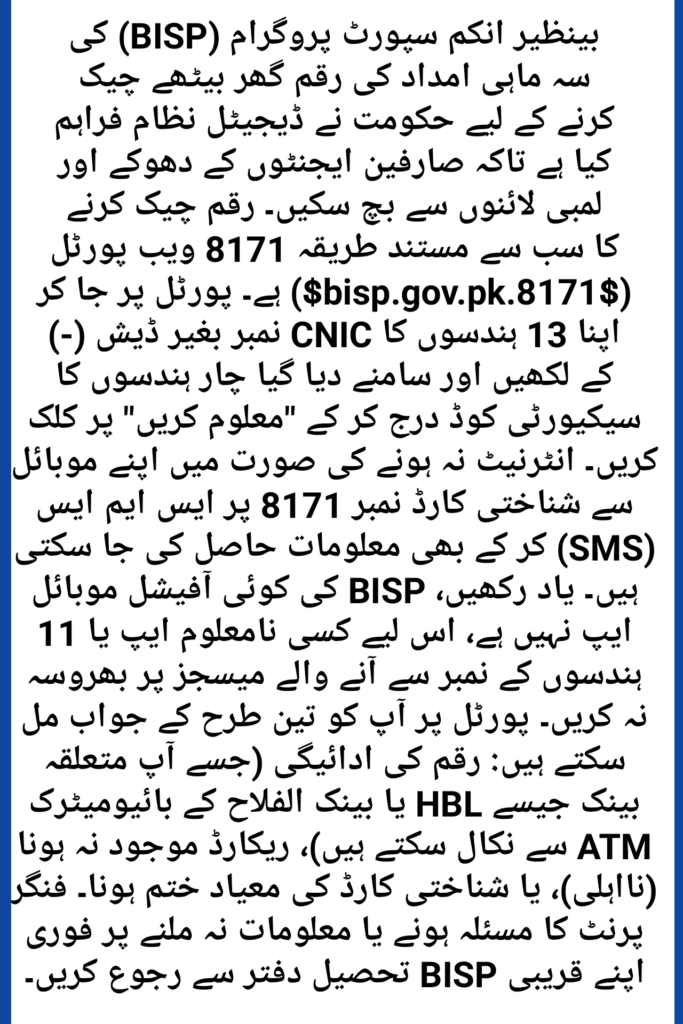
You can check your balance on your phone by using a web browser to visit the official 8171 portal (8171.bisp.gov.pk) and entering your CNIC. Alternatively, you can send your 13-digit CNIC number via SMS to the shortcode 8171 to receive an instant text update regarding your payment status.
What should I do if my 8171 balance shows Rs. 0?
If your balance displays as zero but you are a registered beneficiary, it usually means the current quarterly tranche has not yet been rolled out to your specific district, or your account is undergoing a routine NSER resurvey update. Keep tracking the portal weekly for status changes.
Is there an official BISP mobile application for balance checks?
No, there is no official mobile application on the Google Play Store or Apple App Store for checking your balance. The government manages all inquiries through the secure 8171 web portal. Avoid downloading unofficial apps, as they can compromise your personal data security.
How often are BISP cash installments updated online?
Cash installments are updated on the portal every quarter (every three months), matching the national release schedule approved by the ministry. Special emergency cash supplements are updated immediately during active rollouts.
Can I check someone else’s BISP balance using their CNIC?
Yes, as long as you have their correct 13-digit CNIC number and can view the security verification captcha on the portal. This feature allows family members to check the eligibility status of elderly or less tech-savvy relatives from home.
Conclusion
Checking your balance online helps you stay informed and avoid unnecessary trips to payment centers. By using the official 8171 web portal or the direct SMS shortcode, you can verify your eligibility status and exact available funds securely from home. If you notice any balance discrepancies or face technical issues, remember to reach out directly to your local BISP tehsil office rather than relying on unauthorized third parties.